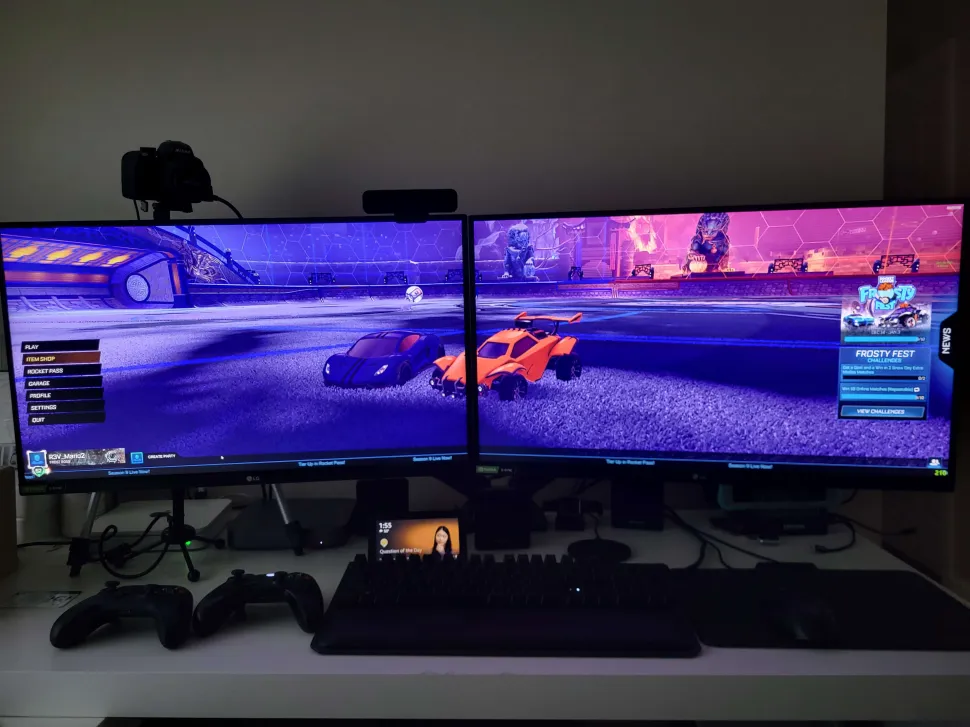
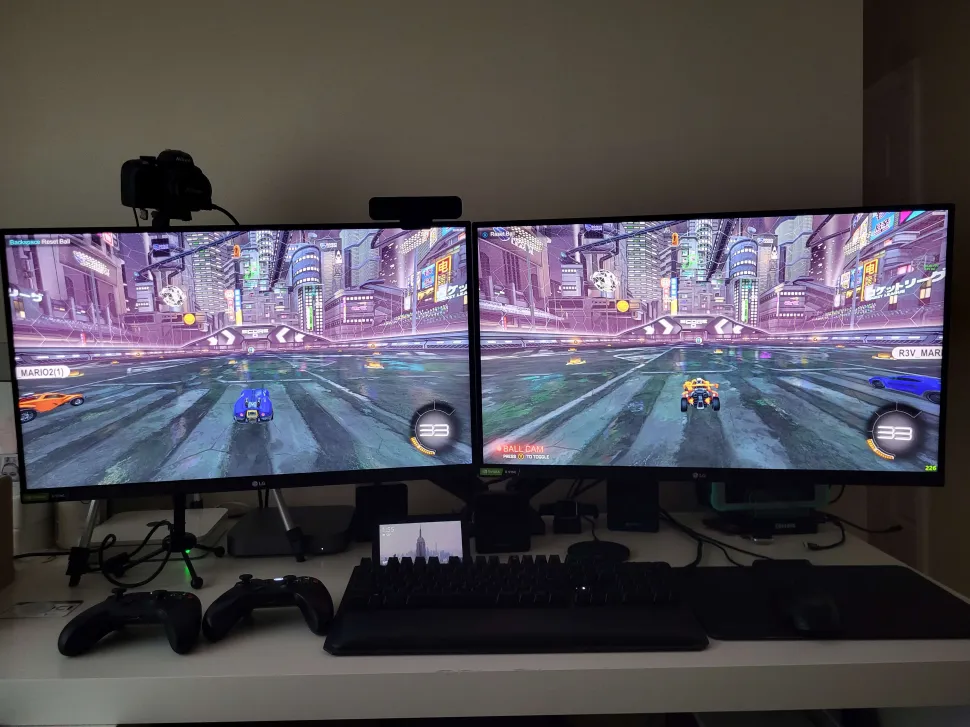
After spending two days troubleshooting NVIDIA Surround, I finally isolated the root cause. Hopefully this saves someone else a lot of time.
Hardware
• MSI RTX 4080 Ventus 3X OC
• Windows 11
• 2x LG UltraGear 27GX790A-B (2560x1440 OLED 480 Hz)
• Certified DisplayPort 1.4 cables (Cable Matters VESA Certified)
• NVIDIA drivers tested:
- 576.52
- 610.62
- 610.74
Symptoms
NVIDIA Surround would either:
• Display "Display connection error"
or
• Both monitors would lose signal immediately after enabling Surround.
Things that DID NOT fix it
• Clean driver installation using DDU
• Older drivers
• Latest drivers
• Different DisplayPort ports
• HDMI
• Lowering resolution to 1920x1080
• Lowering refresh rate to 60 Hz
• Lowering color depth to 8-bit
• Disabling HDR
• Disabling G-SYNC
• Adaptive Sync OFF
• Adaptive Sync BASIC
• Adaptive Sync EXTENDED
Root Cause
The culprit was the monitor's DisplayPort Compatibility Version.
LG OSD
General
→ Input Compatibility Version
Default:
DisplayPort 1.4
This causes NVIDIA Surround to fail.
Changing BOTH monitors to:
DisplayPort 1.2
Immediately fixes the issue.
After switching to DP 1.2:
• NVIDIA Surround works normally.
• Available refresh rates become:
- 60 Hz
- 120 Hz
- 144 Hz
• 5120×1440 Surround enables successfully.
Returning the monitors to DP 1.4 immediately reproduces the failure.
This behavior is identical on NVIDIA drivers 576.52 and 610.74.
Conclusion
This appears to be a compatibility issue between NVIDIA Surround and the LG 27GX790A-B when operating in DisplayPort 1.4 mode (possibly related to DSC and/or the monitor advertising 480 Hz capability).
For anyone wanting to use NVIDIA Surround on these monitors:
Set BOTH monitors to:
General
→ Input Compatibility Version
→ DisplayPort 1.2
Then enable Surround.
Hopefully NVIDIA and LG can investigate.
Additional note:
Games with native multi-monitor support should NOT use NVIDIA Surround.
Example:
DARIUSBURST Chronicle Saviours includes a native Dual Screen launcher and performs better using its built-in dual-screen mode than using NVIDIA Surround.
My use case is Rocket League local split-screen.
NVIDIA Surround allows each player to occupy a full 2560×1440 monitor instead of sharing a single monitor split down the middle.
This workaround makes that possible.
Test Matrix
| Test | Result |
| -------------------------------- | --------------------- |
| Driver 576.52 | ❌ DP 1.4 / ✅ DP 1.2|
| Driver 610.74 | ❌ DP 1.4 / ✅ DP 1.2|
| HDR Off | No change |
| G-SYNC Off | No change |
| Adaptive Sync Off/Basic/Extended | No change (in DP 1.2) |
| HDMI | No change |
| 1080p 60 Hz | No change |
| **DP 1.2 Compatibility Mode** | **Fixes the issue** |